For teachers who work at a distance
Teach from your phone, no laptop needed
How CloseLook works in three steps
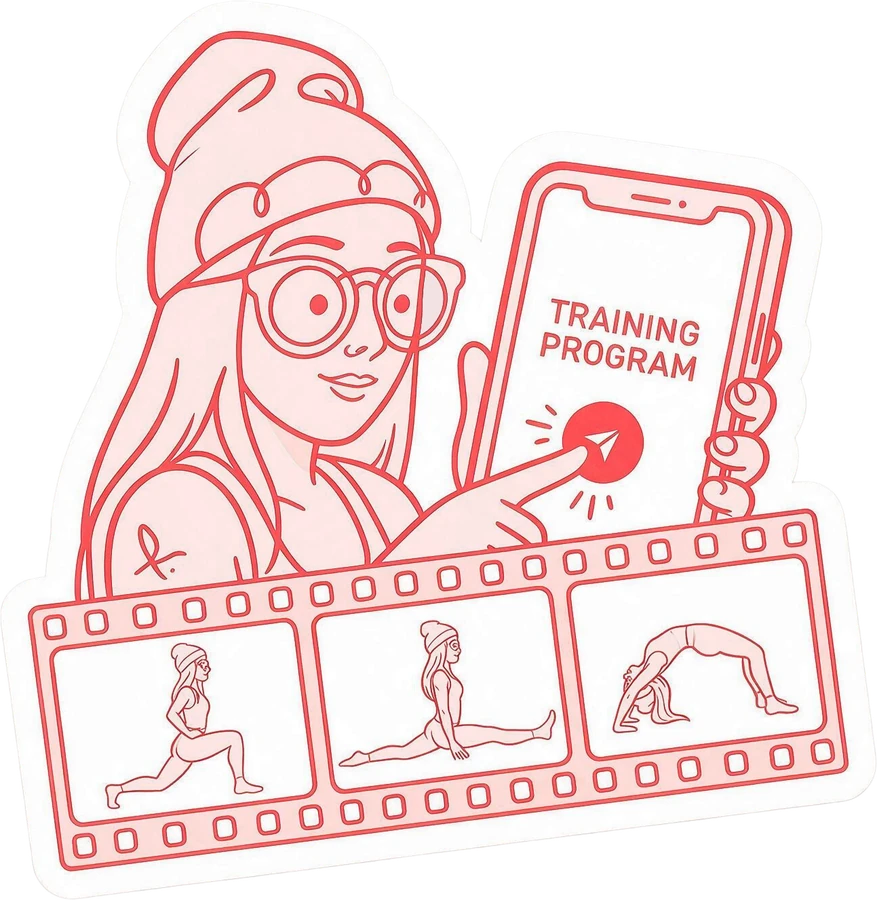
Send the training programs to your students
Get a notification when your students send you their training videos
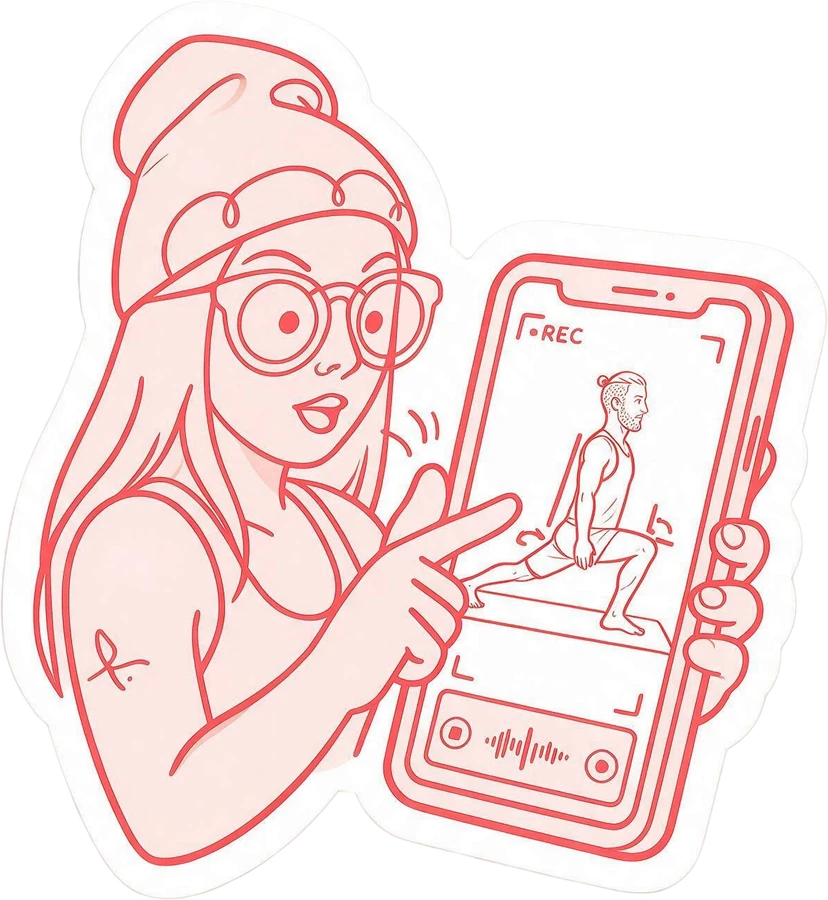
Give feedback adding your voice and drawings directly to their video
Video analysis
Give feedback to your students by drawing on their video as you speak
Use the pencil to make the feedback easy to understand
Student feedback
I felt the stretch in the hamstrings
Give corrections by speaking, no need to type anything
The students receive their original videos with your voiceover and visual clues
For your students, it’s like being in the room with you
The analysis weeks
You choose how many weeks your student can send videos and get your analysis
- You activate the video analysis journey from your student’s profile
- Every week they send their videos, and you send back the analysis
- You can update the training program any time. The journey keeps going
- When the journey is over, they can still see the training program, but they can’t upload their videos for corrections
- If they want to continue the journey, you activate new weeks
Weeks
of Giulia Rossi
Extend the weeks
Extending by 4 weeks makes them 14 weeks, until 27 September 2026. The notification goes out on its own.
Your analysis weeks
10 weeks of video reviews with Nicole
How it works
Each week runs from Monday to Sunday. A missed week can’t be recovered: the box stays red and you move on to the next one.
When the review is ready you get a notification, and you’ll find it in Analysis.
It is a period of time, not a number of videos
The analysis journey is the opportunity to give a close look to your distant students
Training programs
Build a training program by picking exercises from your own library
Shoulders and back mobility
 Workout by Nicole Barbieri
Before every workout, do a joint warm-up, or even better, five minutes of cardio.
Exercises · 3
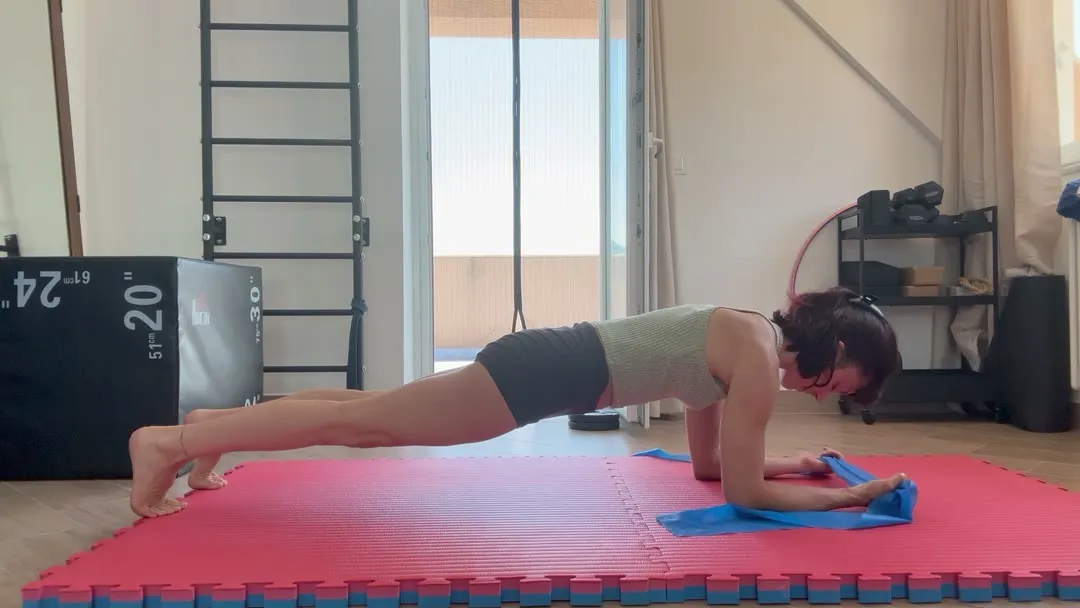
Together
Do these 2 exercises without rest
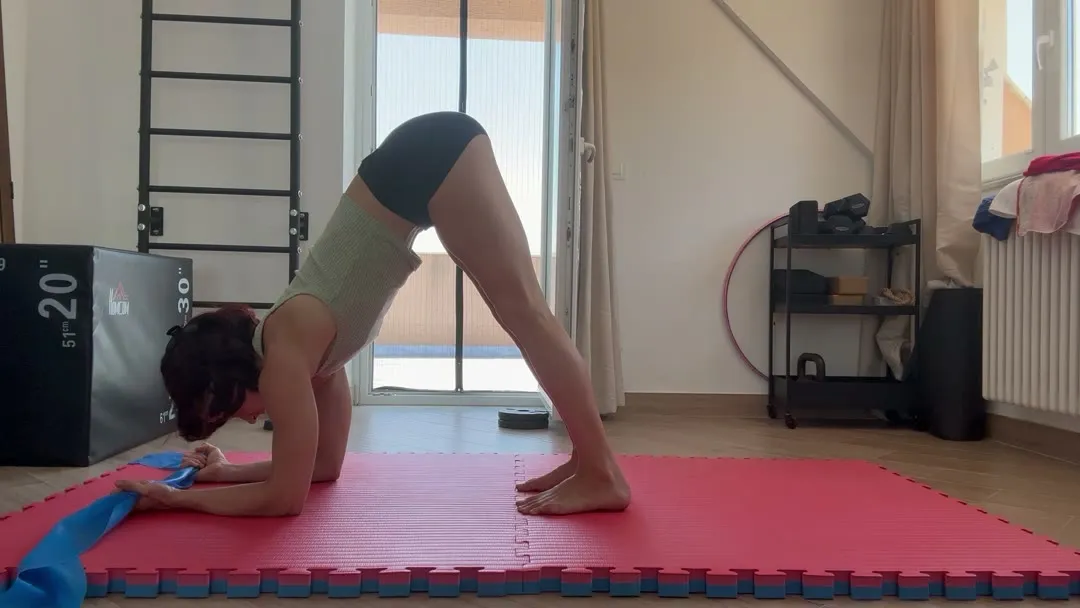
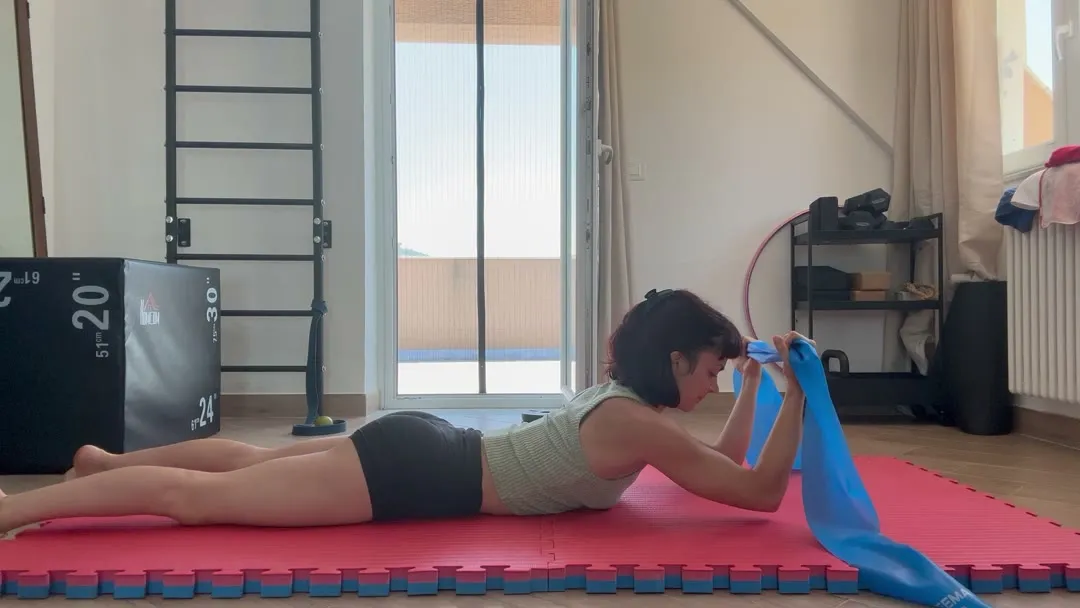
Add exercises
From the library to “Shoulders and back mobility”. You can add the same exercise more than once.
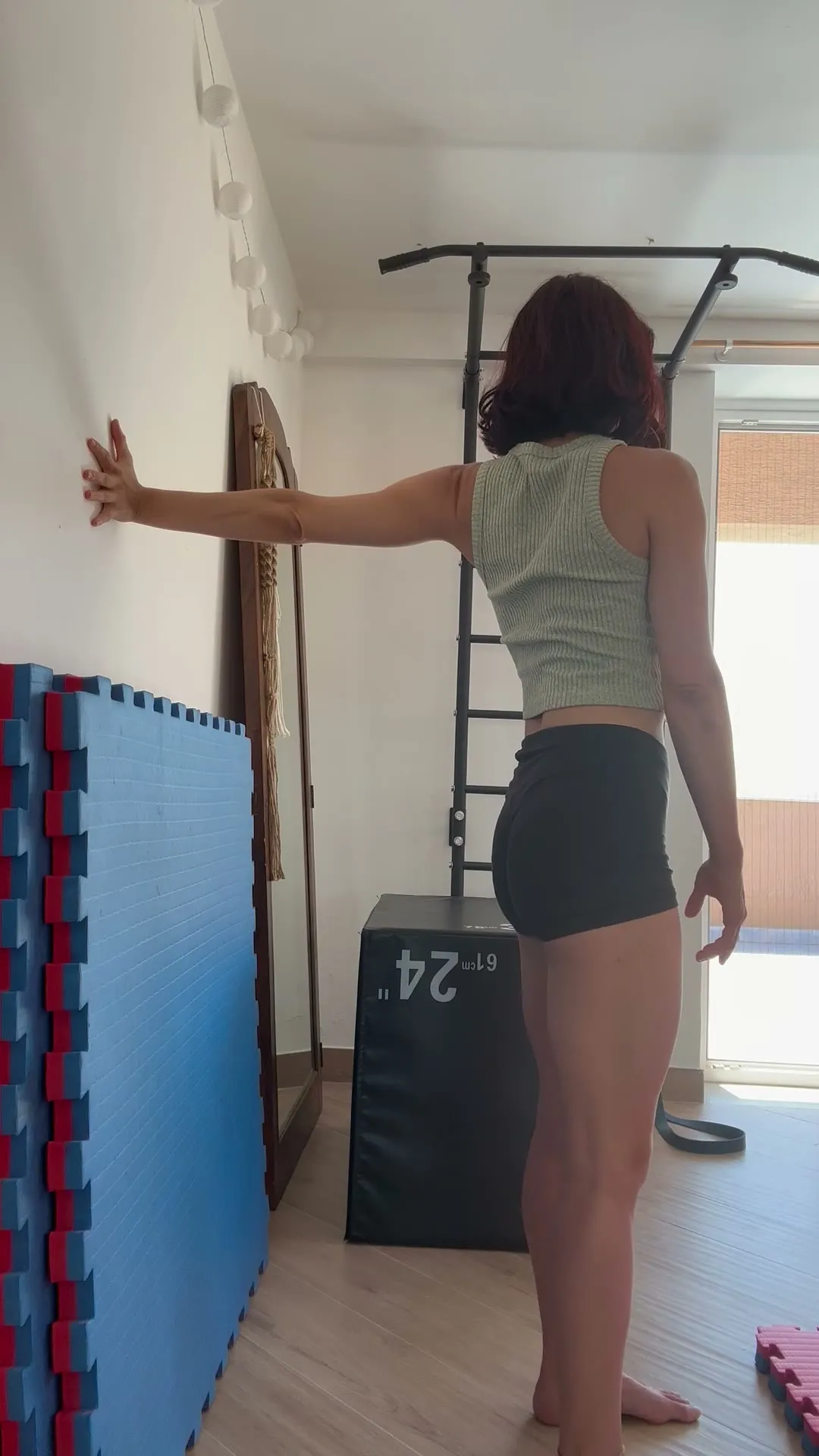
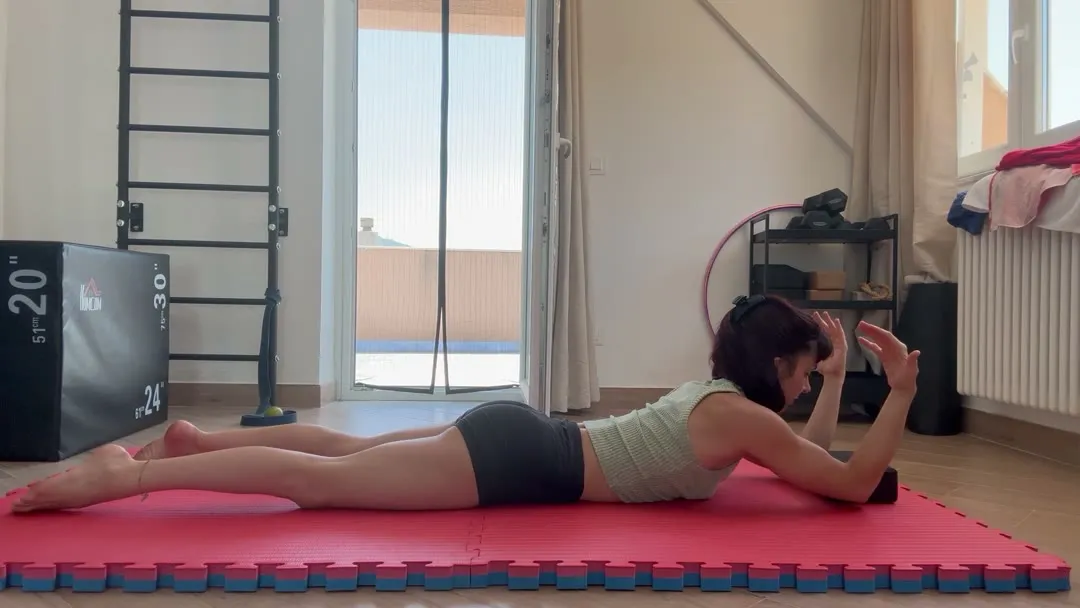
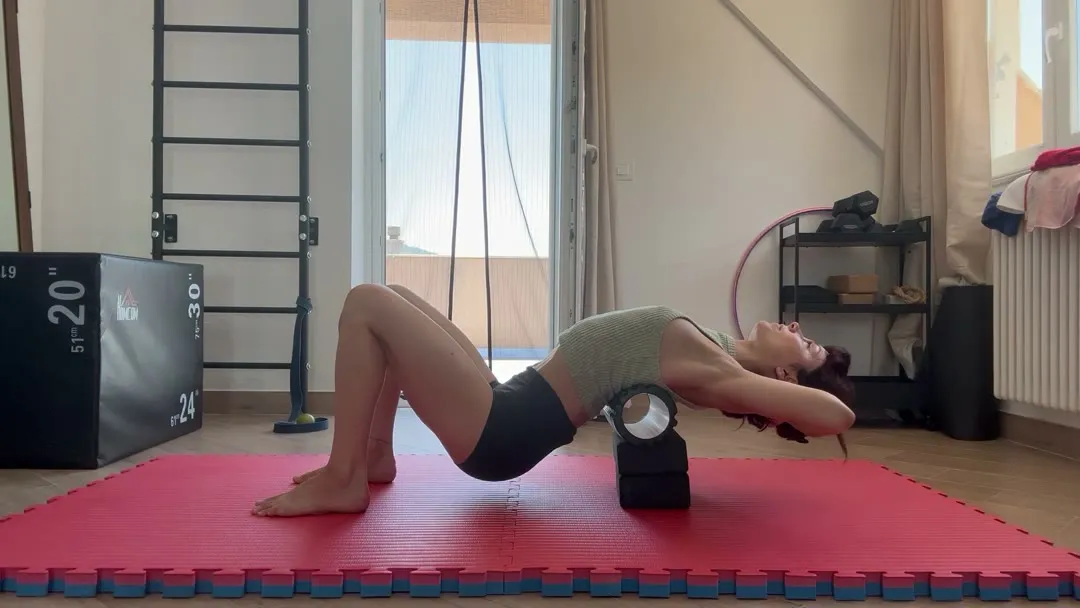
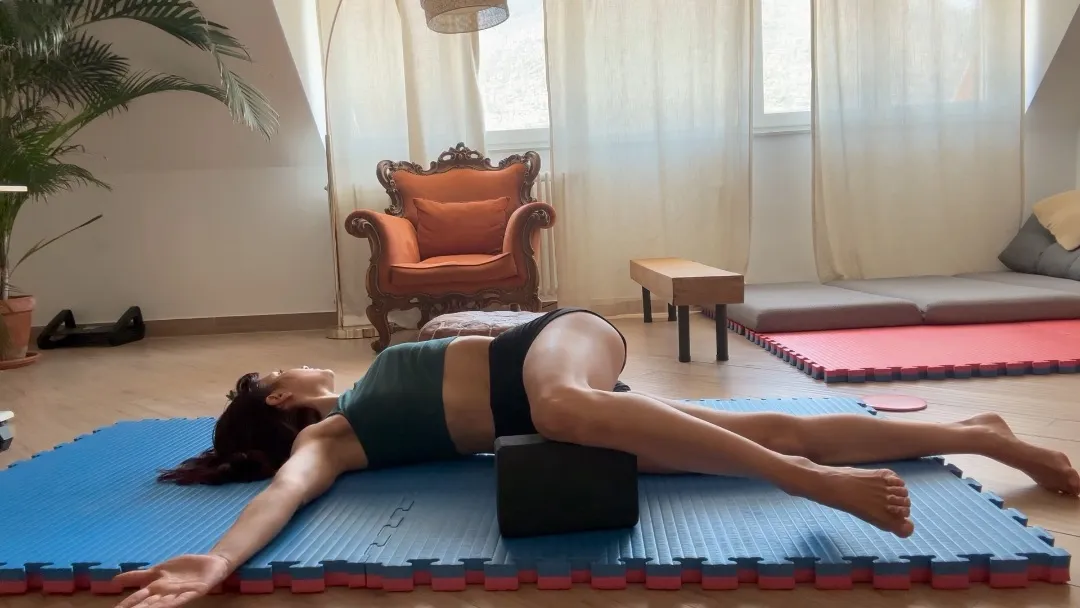
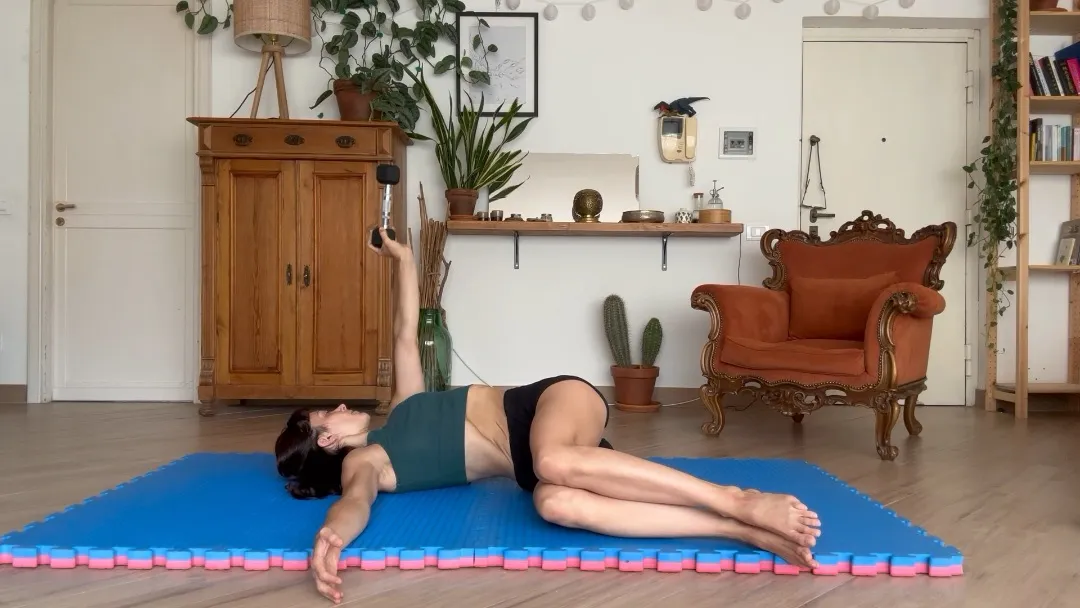
Combine exercises, specify number of reps, timing and add personalized notes
Try it
If one language is missing, the other one shows.
Write the exercise in different languages, and each student reads it in their own
Creating a new program for a student is quick and easy
What the students see
On their side it’s simple: watch, film, send back
Thoracic Mobility
Your teacherNicole Barbieri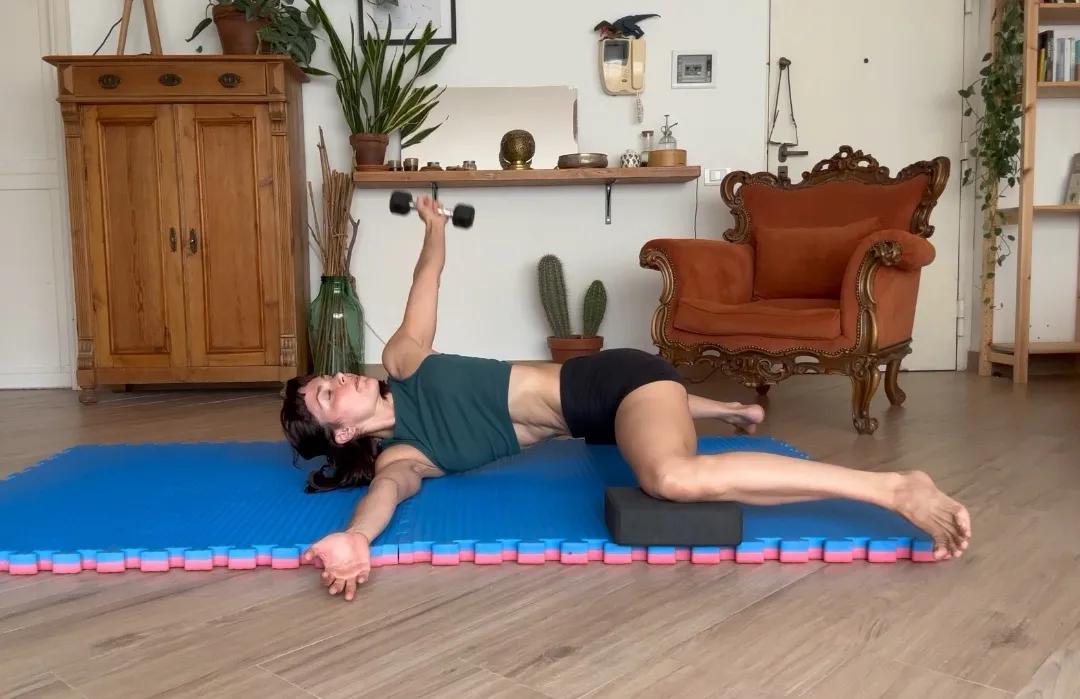 Nicole’s demo
Frog thoracic rotation
Set yourself in a frog position with your knees wide and supported on two blocks. Keep your knees bent at 90 degrees with your heels aligned with your knees. Bring both arms to one side holding a weight in the upper hand. From here, slowly bring the weighted arm behind you, following the movement with your gaze and opening through the chest.
Read moreTheir video and their note come straight back to you
It works even for the students who are not familiar with technology
Your day
Your whole day in one place: what to do, who is waiting, and more…
Hi Nicole,
four things are waiting for you today
To do
 Review the videos from Giulia3 days
 Watch the answer from EliasSince yesterday
 Build the program for SofiaSince today
Every morning, everything waiting for you is already in one place, in the right order
You do the teaching. The app does the rest
Price
You pay for the students you actually have
−25%
Billed yearly
€6€4.50per active student*, per month
- Minimum 5 students
- Every feature included
One month free to try it
Month by month
€6per active student, per month
*Active means they can sign in: read their program, write to you, and get your video analysis when you turn the weeks on. Someone you are not following right now? Pause them and they stop counting
Start teaching using CloseLook
Who’s behind it
The app grows with the teachers who use it
I’m Fabrizio, and CloseLook started for a contortion teacher who wanted to follow her students at a distance the way she does in the room. She has been sending video analyses from it every week
Most of what you have seen on this page exists because a teacher asked for it, and new things keep arriving
Every request gets an answer, and the ones that help everyone get built
The questions
What teachers ask before they start
Do my students pay anything?
No. You pay for the students you are following, and they pay you the way they always have
What if I have more students than I paid for?
You add them and pay for them. If you stop following someone, you pause their profile and they stop counting. If you start following them again, their workouts are still there: nothing to redo
What happens when the weeks are over?
They can keep reading the programs you sent, and the analyses you wrote stay with them. They simply cannot send new videos until you activate new weeks
Can I use it for any discipline?
Yes. It works for anyone who teaches one person at a time and needs to see how they move
Do I need a computer?
No. It was built precisely for teachers who don’t want a computer and work from their phone, including recording the video analysis. It works on a computer too, if you prefer
Which languages does it work in?
Italian and English. Each person reads the app in their own, so you can have Italian students and English students at the same time. New languages are on the way
Where do my students’ videos end up?
They stay inside your studio. They stream from your own address and only people signed in there can watch them: there is no link to share